Chrome’s Google Wallet Integration Promises Smarter, Safer Autofill
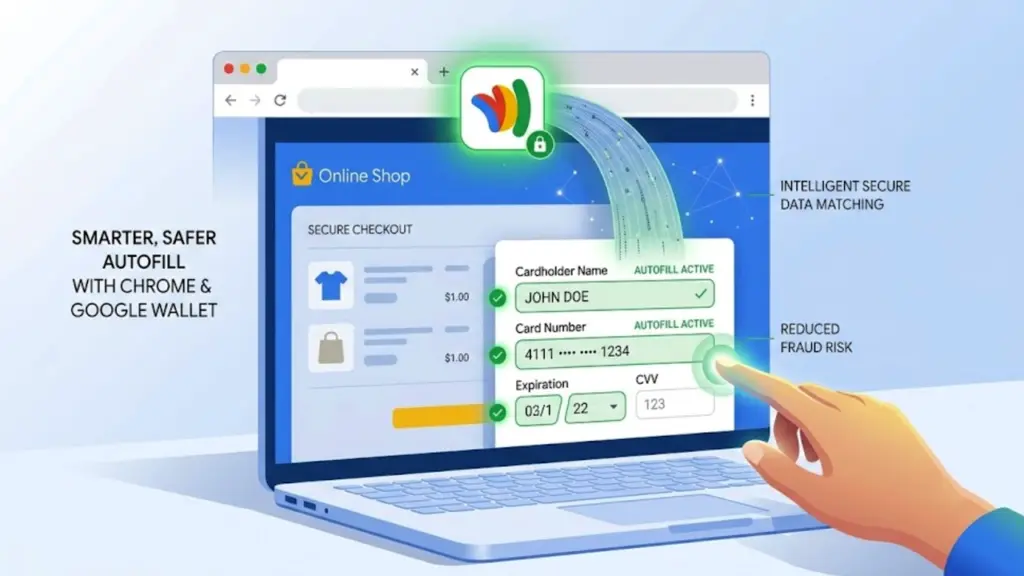
Google Wallet Powers Up Chrome Autofill on Mobile
Filling out forms on a smartphone can be a chore. From shipping addresses to payment details, it’s often a fiddly process prone to typos. Google is now aiming to smooth out these rough edges for Chrome users on Android and iOS by integrating its Google Wallet service more deeply into the browser’s autofill capabilities.
This isn’t just about making it quicker to type your name and address. The move suggests Google wants to leverage the more secure and verified information stored within Google Wallet to populate online forms. Think of it as moving beyond simple saved text to using more structured, and potentially more trustworthy, data points for autofill.
Quick Take
Google is enhancing Chrome’s mobile autofill by connecting it to Google Wallet. This aims to provide a more secure and convenient way to fill out online forms with verified information, moving beyond basic saved text to structured data. While promising for ease of use and data accuracy, the full scope of data usage and privacy implications warrants attention.
What This Means
Previously, Chrome’s autofill relied on information you’d manually saved within the browser itself – addresses, phone numbers, email addresses, and payment card details. While convenient, this data wasn’t necessarily verified or structured in a way that guaranteed accuracy or security beyond the browser’s own protections.
By integrating with Google Wallet, Chrome can now tap into information that users have explicitly added and managed within their digital wallet. This could include more detailed payment information, shipping addresses associated with purchases, and potentially other verified personal details. The benefit is twofold: convenience and security. Convenience comes from having this data readily available and accurately formatted for forms.
Security is enhanced because Google Wallet is designed with solid security measures, and using its data for autofill implies a level of trust that Google is extending to this feature.
The announcement suggests a more intelligent autofill that can better understand the context of a form field and pull the most appropriate information from your Wallet. For example, if a form asks for a billing address and a shipping address, the system could intelligently differentiate and pull the correct details.
Why It Matters
In a world where online transactions and data entry are constant, anything that makes the process smoother and safer is worth noting. For users, this integration could mean significantly less time spent typing and correcting errors on forms, especially on smaller mobile screens. It also nudges users towards consolidating their important personal and payment information within a single, managed digital wallet, which Google is clearly positioning as a central hub for online interactions.
From a broader perspective, this is another step in Google’s strategy to make its services indispensable for everyday digital life. By embedding Wallet’s capabilities into Chrome, a browser used by billions, Google is reinforcing its ecosystem and potentially gathering more data points (albeit anonymized and aggregated for product improvement) about user behavior and preferences, which can inform future product development and advertising strategies.
The emphasis on using verified information from Google Wallet also speaks to a growing user demand for privacy and security. As data breaches become more common, users are increasingly wary of where their information is stored and how it’s used. Tying autofill to a secure, managed digital wallet could offer a degree of reassurance, suggesting that sensitive data is being handled with greater care.
Practical Impact for Readers
If you use Chrome on your smartphone and have Google Wallet set up, you can expect form filling to become more streamlined. When you encounter a form online, Chrome should prompt you to use your Wallet information. This could mean fewer mistyped credit card numbers, correctly formatted addresses without manual entry, and a generally faster checkout process or sign-up experience.
It’s also an incentive to organize your Google Wallet. If you haven’t added all your relevant addresses or payment methods, doing so might unlock the full benefits of this enhanced autofill. For businesses and websites, this could lead to higher conversion rates on forms, as friction is reduced.
Limitations and Unanswered Questions
While the announcement from Google is positive, it’s important to remain grounded. The specifics of how this integration will work across all websites and form types are not yet fully detailed. Will all forms be compatible? Will users have granular control over which pieces of information are shared from their Wallet for each autofill instance?
Privacy is always a key consideration with Google. While the company states that it uses information to improve products and personalize experiences, the exact data points being accessed from Wallet for autofill and how they are processed will be of interest. Users will want to know if this integration creates new avenues for data collection that they haven’t explicitly consented to beyond the initial setup.
Furthermore, the reliance on Google Wallet means that users who prefer not to use Google’s services or who are deeply invested in competitor ecosystems might not benefit. The security of Google Wallet itself, while generally strong, is also a point of potential vulnerability, as any centralized system can be a target.
Key Facts
- Google Chrome is integrating with Google Wallet to enhance mobile autofill capabilities on Android and iOS.
- This feature aims to make filling out online forms faster and more secure by using verified information from Google Wallet.
- The integration moves beyond basic saved text to using structured data for autofill.
- Users can expect a more streamlined experience for entering addresses and payment details.
- Google positions this as a way to leverage the security measures of Google Wallet for autofill.
Frequently Asked Questions
Will this feature be available on desktop Chrome?
The announcement specifically highlights mobile autofill capabilities on Android and iOS. There is no mention of this integration extending to desktop Chrome at this time.
Do I need to have Google Wallet installed to use this?
Yes, to leverage the advanced autofill capabilities powered by Google Wallet, users will likely need to have Google Wallet installed and set up with their relevant personal and payment information.
How does this differ from Chrome’s existing autofill?
The key difference is the integration with Google Wallet. Instead of relying solely on information saved directly within Chrome, this new feature pulls verified and structured data from your digital wallet, potentially offering greater accuracy and security.
Is my data in Google Wallet safe when used for autofill?
Google states that Google Wallet is designed with solid security measures. The integration aims to leverage these existing security protocols. However, as with any online service, users should remain aware of Google’s privacy policies and data handling practices.
Leave a Reply